

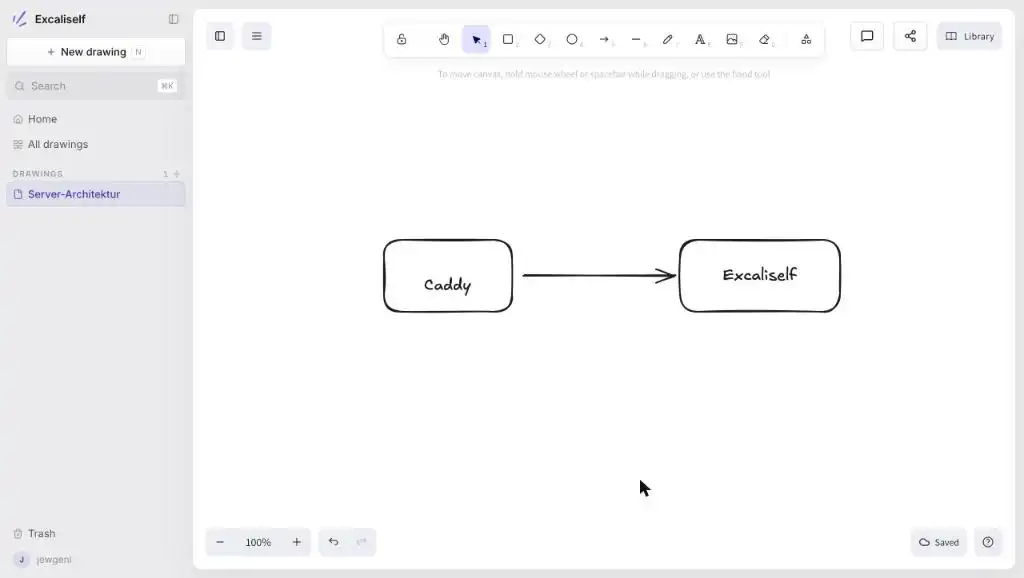
Install Excaliself on a Debian 13 server with Docker Compose and Caddy and get to know features like live collaboration, folders and invites


Install Excaliself on a Debian 13 server with Docker Compose and Caddy and get to know features like live collaboration, folders and invites

Calibre-Web, Calibre-Web Automated, Kavita, Komga, Grimmory, BookOrbit and Storyteller installed and compared on a Debian server: RAM, image size, formats and readers.

Install Sure, the community fork of Maybe Finance, with Docker Compose on a Debian server: PostgreSQL, Valkey, HTTPS via Caddy, CSV import, backups and updates.

Set up Paperless-ngx for several people: separate accounts, private and shared documents, groups, permissions, one mailbox per person and two-factor sign-in.

Install Paperless-ngx 3 on a Debian 13 VPS: Docker Compose with PostgreSQL, Valkey and Tika, HTTPS through Caddy, backup and update, step by step.

Scan documents into Paperless-ngx: share the consume folder via Samba, use subfolders as tags, split stacks with barcodes and upload with a phone app.

Paperless-ngx stores files as 0000001.pdf by default. Get readable file names and folders with storage paths, placeholders and the document_renamer command.

Paperless-ngx workflows assign tags, document types, correspondents and storage paths automatically. Triggers, actions and four ready-made examples.
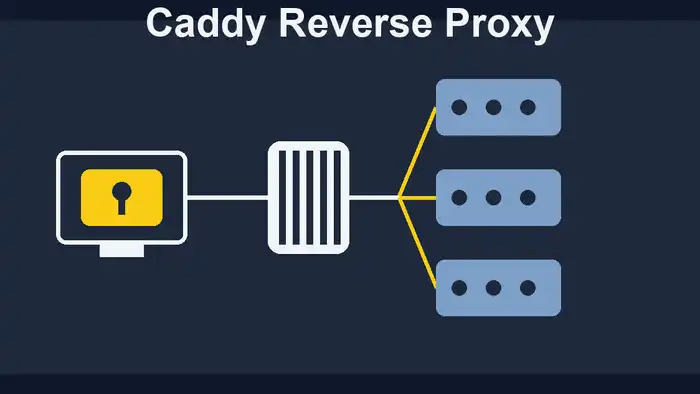
Set up Caddy as a reverse proxy for Docker: automatic HTTPS, Caddyfile syntax, load balancing with health checks, headers, IP filter, basic auth, error pages and Fail2ban.
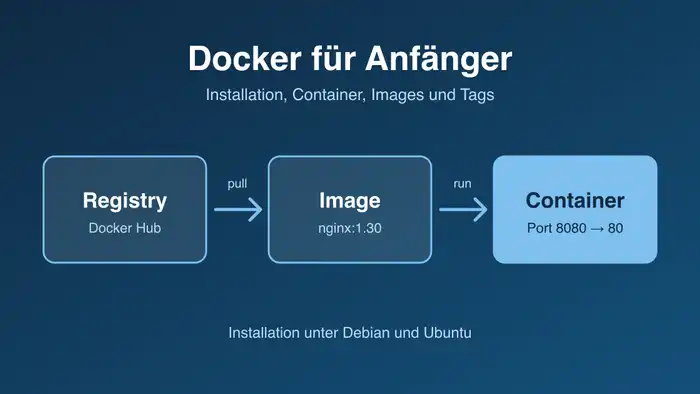
Learn Docker step by step: images and containers explained, installation on Debian and Ubuntu, your first web server, managing containers and updating Docker.
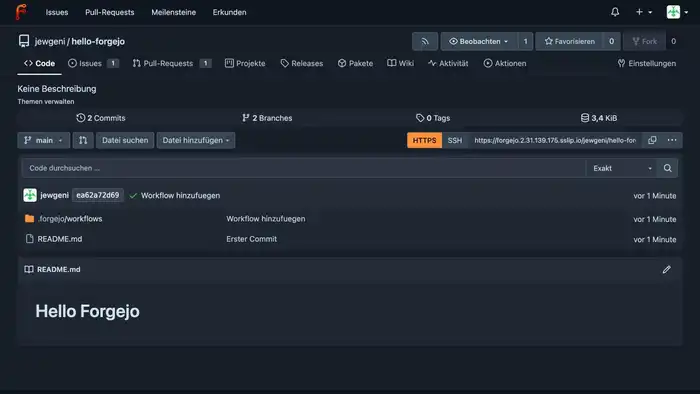
Install Forgejo on a Debian 13 server with Docker and Caddy, host Git repositories, set up an Actions runner and use the built-in Docker registry.
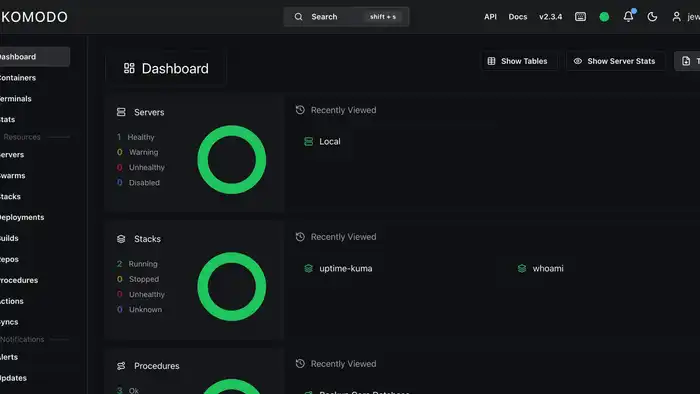
Install Komodo behind Traefik with HTTPS, deploy stacks from the interface and from Git, set up backups and auto-updates, and connect a second server. With screenshots, for beginners.
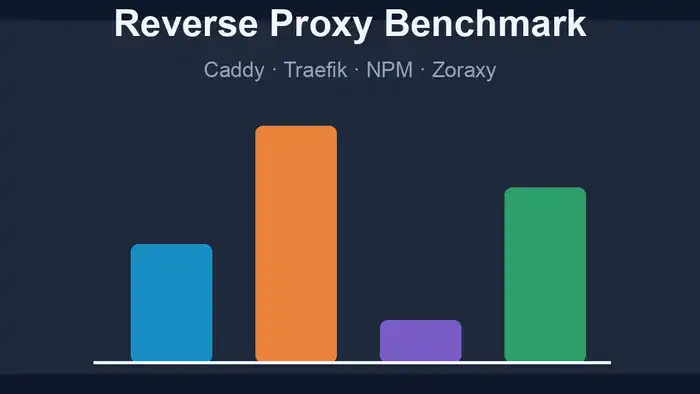
How many users can a reverse proxy handle on a small VPS? Caddy, Traefik, Nginx Proxy Manager and Zoraxy tested with 1 and 4 vCPU, real HTTPS certificates and charts.
Create a secure, incremental Paperless-ngx backup with Docker and restore your documents in an emergency. Includes instructions for PostgreSQL and MariaDB, step by step.

Traefik 3 as a reverse proxy for Docker: prepare the server, set up a domain, automatic Let's Encrypt certificates, middlewares, basic auth and Google login. Step by step for beginners.
Move Paperless-ngx on Docker to PostgreSQL 18, for example from version 13 or 14: create a dump, adjust the data path, restore your data and then update to Paperless 3.

Set up Uptime Kuma 2 with Docker Compose on a VPS: monitors, status page, Caddy reverse proxy and MariaDB. Explained step by step.

Eight budget VPS under €10/month benchmarked with Sysbench, Geekbench, FIO, and iperf. See how Hetzner and Netcup compare in CPU and I/O performance. Full results.

Is Debian really leaner and faster than Ubuntu? I benchmarked both operating systems as Docker hosts using a comprehensive script to find the real answer.
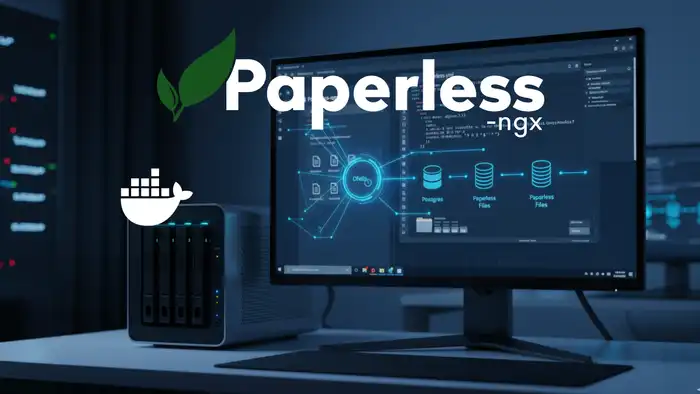
Set up automated backups for Paperless-ngx directly in your Docker stack using Ofelia. Schedule reliable cron jobs — no external server needed. Full guide.

Convert PFX certificates to PEM and set up SSL/TLS for your Nginx container in Docker. A practical, step-by-step guide for self-hosters to secure their web apps.

Install Neko as a virtual browser on your own server. Collaborative surfing with Docker Compose – self-hosted, private, and team-ready. Complete setup guide!
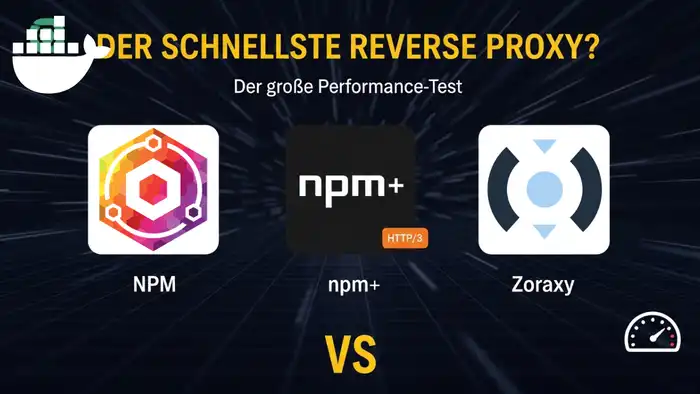
Performance benchmark: Nginx Proxy Manager vs. NPM+ (HTTP/3) vs. Zoraxy. Discover which reverse proxy is the fastest and easiest for your self-hosted setup.

Create interactive presentations with Claper. This guide shows you step-by-step how to install and secure Claper on your own server using Docker and Docker Compose.

Which database fits your project best? A detailed performance benchmark comparing PostgreSQL, MariaDB, and SQLite with practical recommendations for your setup.
Install Gitea with Docker and Caddy as a reverse proxy. A beginner-friendly, step-by-step guide to setting up your own lightweight, self-hosted Git server.

Install Dawarich to gain full control over your location data. Step-by-step guide to self-hosting with Docker, Docker Compose, and Caddy as proxy for privacy.

Master essential Linux terminal commands for your server. A beginner-friendly guide with practical examples for navigation, file management, and SSH admin!

Choose and secure your first VPS step-by-step: system updates, new user, SSH keys, and firewall setup. The ideal starting point for self-hosting with Docker.
Install Timetagger, an open-source time tracking tool, on your own server with Docker Compose. Track projects and hours with full data control. Step-by-step guide.

Install Calibre, Calibre-Web and CWA on your server with Docker. Centrally manage your e-book library and access it from anywhere. Complete step-by-step guide.

Protect your Docker data and databases reliably with Duplicati. Set up automated backups, including cloud storage. Open source, flexible, and easy to configure.

Compare the best open-source comment systems for 2025: Giscus, Cactus, Comentario & more. Find the perfect self-hosted commenting solution for your website.

Set up your own private cloud with Nextcloud on a VPS using Docker and Caddy as a reverse proxy. Beginner-friendly step-by-step guide – start your cloud today!

Learn step-by-step how to merge two self-hosted Plausible Analytics instances using Clickhouse. The complete guide for consolidating your web analytics.

Install the privacy-friendly Google Analytics alternative Plausible with Docker and Traefik. Set up self-hosted web analytics on your own server step by step.

Install Nextcloud on your existing shared webhosting plan. A complete step-by-step guide to turn your webhosting into a private cloud alternative – no VPS needed!

Install Proxmox VE on a VPS: requirements, ISO upload via SFTP, installation steps, and creating your first LXC container. Explained with screenshots.

Automate workflows efficiently with n8n. Set it up with Docker and Traefik as a reverse proxy, including SSL and practical examples – save time automating!

Run Ghost CMS with Docker behind a Traefik reverse proxy. A step-by-step guide for building your own blog system with SSL and a custom domain – get started now!

Set up your own mail server with Mailcow and Docker. Run it behind Traefik as a reverse proxy with SSL, spam filtering, and webmail – complete step-by-step guide!

Set up the container manager Portainer behind Traefik as reverse proxy. Manage your Docker containers conveniently via the web interface from anywhere.

Replace Disqus with Commento++, a privacy-friendly commenting system. Self-host it with Docker and Traefik reverse proxy for full data control on your blog.
Set up a self-hosted e-book manager with Calibre and Calibre-Web as GUI behind Traefik reverse proxy. Manage your e-books privately on your own server.

Host your own privacy-friendly web analytics with Shynet. Learn how to deploy Shynet as a Docker container behind a Traefik reverse proxy. Step-by-step setup guide.
Replace Nano with Visual Studio Code for remote development. Connect VS Code to your server via SSH in a few simple steps and use extensions directly on the server.