

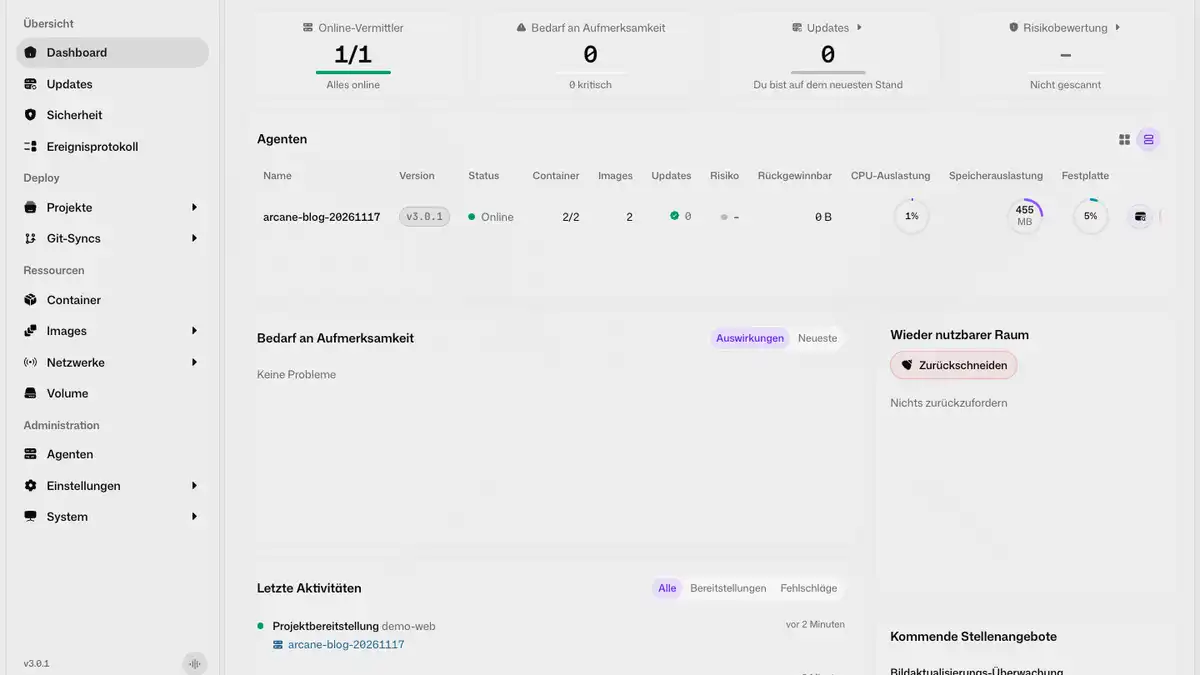
Install Arcane with Docker Compose and manage Docker from your browser. See the stack editor, container logs, image updates, volumes, and backups in action.


Install Arcane with Docker Compose and manage Docker from your browser. See the stack editor, container logs, image updates, volumes, and backups in action.
Self-host Open WebUI with Docker Compose: Ollama for local models, Postgres with pgvector, Tika for documents and SearXNG web search that asks before every query.
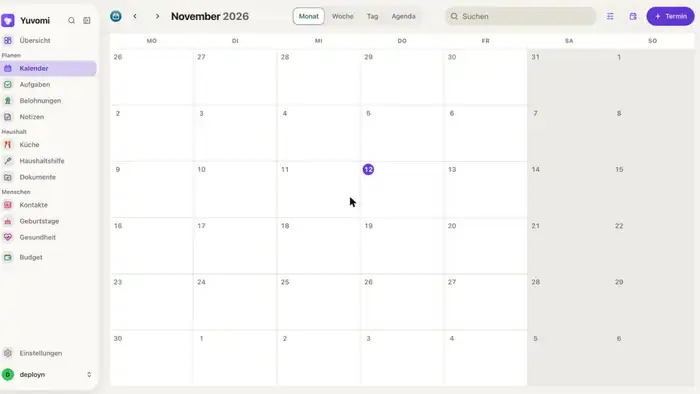
Install Yuvomi with Docker and Caddy, get to know the modules and connect the calendar to Google Calendar, iCloud or Nextcloud. Step by step.
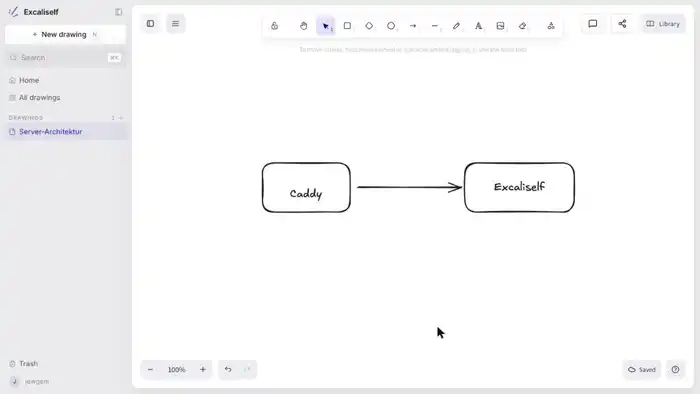
Install Excaliself on a Debian 13 server with Docker Compose and Caddy and get to know features like live collaboration, folders and invites
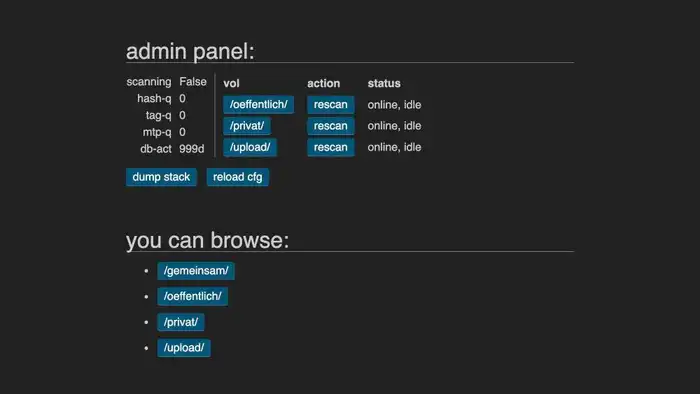
Install copyparty on Debian 13 with Docker and Caddy: users, permissions, uploads, share links, WebDAV, backup and updates, step by step.

Install Paperless-ngx 3 on a Synology NAS with Docker Compose in Portainer, including PostgreSQL, Valkey and Tika, folder permissions and a scanner inbox.

Install Paperless-ngx 3 on a home server, mini PC or Raspberry Pi with Docker Compose, including PostgreSQL, Valkey and Tika. Guide for your local network.

Install and use Actual Budget on your own server: Docker, HTTPS with Caddy, accounts, envelope budgeting, reports, rules and import, step by step.
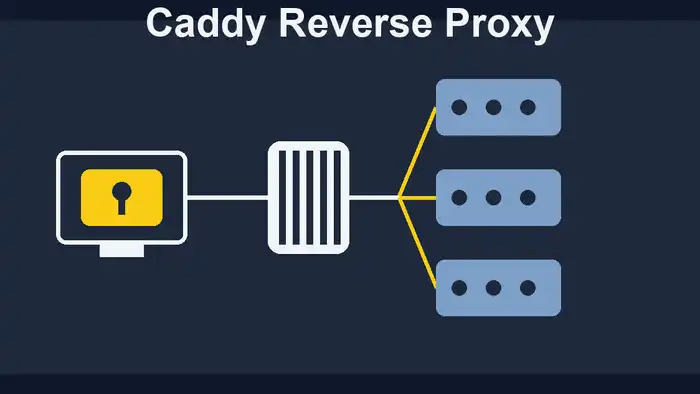
Set up Caddy as a reverse proxy for Docker: automatic HTTPS, Caddyfile syntax, load balancing with health checks, headers, IP filter, basic auth, error pages and Fail2ban.
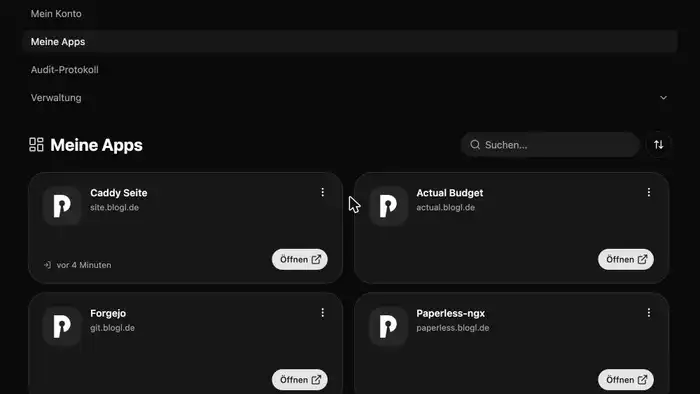
Install Pocket ID with Docker and Caddy and connect apps like Paperless-ngx, Actual Budget and Forgejo. With passkeys, groups and an nginx example.
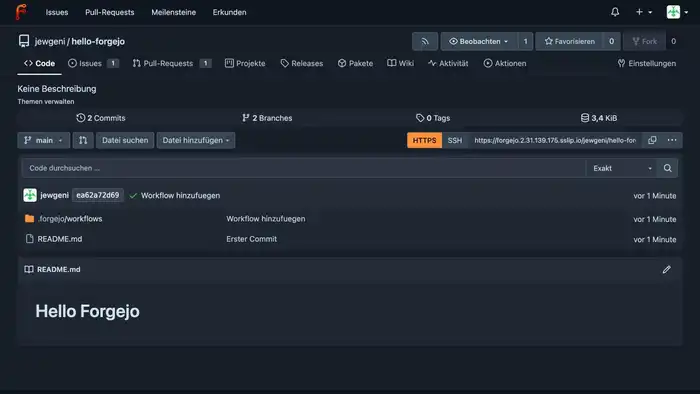
Install Forgejo on a Debian 13 server with Docker and Caddy, host Git repositories, set up an Actions runner and use the built-in Docker registry.
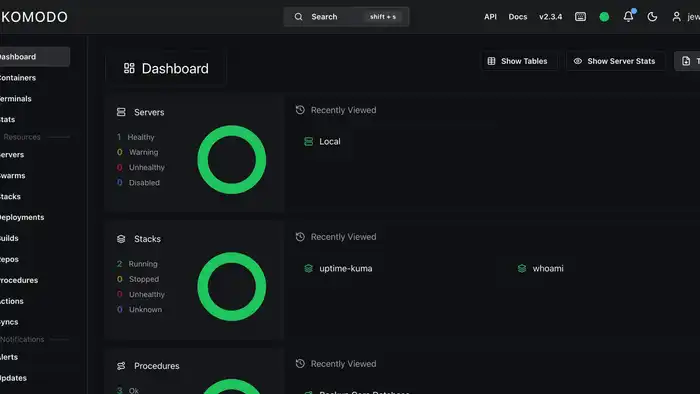
Install Komodo behind Traefik with HTTPS, deploy stacks from the interface and from Git, set up backups and auto-updates, and connect a second server. With screenshots, for beginners.

Install Karakeep as your self-hosted bookmark manager with Docker. Includes Caddy reverse proxy and optional AI integration – full control over your bookmarks!
Create a secure, incremental Paperless-ngx backup with Docker and restore your documents in an emergency. Includes instructions for PostgreSQL and MariaDB, step by step.

Traefik 3 as a reverse proxy for Docker: prepare the server, set up a domain, automatic Let's Encrypt certificates, middlewares, basic auth and Google login. Step by step for beginners.

Install Neko as a virtual browser on your own server. Collaborative surfing with Docker Compose – self-hosted, private, and team-ready. Complete setup guide!

Create interactive presentations with Claper. This guide shows you step-by-step how to install and secure Claper on your own server using Docker and Docker Compose.

Learn Git from scratch! A beginner-friendly tutorial covering installation, repositories, commits, and GitHub – your gateway to version control. Start now!

Install Gitea with Docker and Caddy as a reverse proxy. A beginner-friendly, step-by-step guide to setting up your own lightweight, self-hosted Git server.

Install Dawarich to gain full control over your location data. Step-by-step guide to self-hosting with Docker, Docker Compose, and Caddy as proxy for privacy.

Set up your own private cloud with Nextcloud on a VPS using Docker and Caddy as a reverse proxy. Beginner-friendly step-by-step guide – start your cloud today!

Set up your Ugreen NAS as a full homeserver: hardware prep, Docker, network config, and more. A detailed step-by-step guide to get you started quickly.

Install Linkwarden on your Synology NAS and take control of your bookmarks. A self-hosted bookmark manager with easy Docker setup – manage links efficiently!

Set up your Ubuntu homeserver step-by-step: from base configuration to your first Docker containers. The complete guide for beginners. Start building today.

Set up your Synology DiskStation from scratch: VPN, DDNS, Firewall, Docker, and Nginx Proxy Manager. The complete NAS homeserver setup guide for beginners.

Install Crater on your Synology NAS with Docker. Create invoices, track expenses and payments with this free, open-source billing solution for your NAS.

Install the free personal finance software Firefly III on your Synology NAS with Docker. Manage income and expenses privately and clearly on your own server.

Automate workflows efficiently with n8n. Set it up with Docker and Traefik as a reverse proxy, including SSL and practical examples – save time automating!

Run Ghost CMS with Docker behind a Traefik reverse proxy. A step-by-step guide for building your own blog system with SSL and a custom domain – get started now!

Set up your Asustor NAS as a homeserver step by step: VPN, firewall, reverse proxy, Gitea and Calibre with Docker. The complete NAS homeserver guide.

Install Mistborn and turn your server into a secure cloud platform with built-in firewall and WireGuard VPN. A complete step-by-step guide – get started now!

Set up the container manager Portainer behind Traefik as reverse proxy. Manage your Docker containers conveniently via the web interface from anywhere.

Replace Disqus with Commento++, a privacy-friendly commenting system. Self-host it with Docker and Traefik reverse proxy for full data control on your blog.

Set up a self-hosted e-book manager with Calibre and Calibre-Web as GUI behind Traefik reverse proxy. Manage your e-books privately on your own server.