


Set up a Raspberry Pi as an energy-efficient home server with Docker, AdGuard Home, Traefik and UFW firewall. Step-by-step guide with power cost calculator.
Set up a Raspberry Pi as an energy-efficient home server with Docker, AdGuard Home, Traefik and UFW firewall. Step-by-step guide with power cost calculator.
Learn how to install Paperless-NGX on your Synology NAS — a powerful open-source document management system — using Docker and Portainer. Step-by-step guide.

Install Bookstack, a powerful open-source knowledge base, on your own server with Docker and Docker Compose. Step-by-step guide for easy self-hosted setup.

Set up Immich as a private photo cloud on your homeserver. Step-by-step guide for NAS or Ubuntu — the privacy-friendly alternative to Google Photos.

Install Home Assistant with Docker on a Raspberry Pi and build your own private smart home. Step-by-step guide for a powerful, self-hosted automation setup.
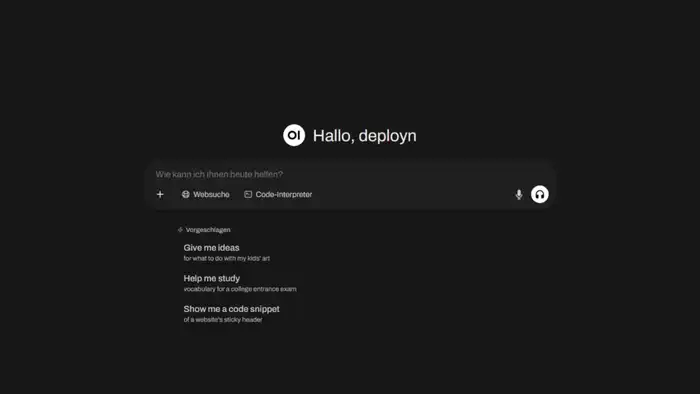
Install Open WebUI with Docker and Ollama on your own server for a private, powerful ChatGPT alternative. Step-by-step guide to a local, privacy-first AI setup!

Install Karakeep as your self-hosted bookmark manager with Docker. Includes Caddy reverse proxy and optional AI integration – full control over your bookmarks!
Install Nginx Proxy Manager on your Synology NAS with Docker. Assign a dedicated IP to avoid port conflicts, manage SSL, domains, and more – start now!
Host your own password manager with Vaultwarden. Install it as a Docker container, configure Caddy as reverse proxy, and secure access with Fail2Ban. Complete guide.
Install Vaultwarden on your Synology NAS with Docker. Self-host your passwords securely and privately. Complete step-by-step setup guide for your NAS.

Learn how to bypass DS-Lite with a tunnel and make your local services accessible via a reverse proxy using Docker and Pangolin. Complete step-by-step guide.

Lower your Ubuntu server's power consumption with TLP. Optimize energy settings and measurably reduce your homeserver's electricity costs. Step-by-step setup guide.

Set up your Ugreen NAS as a full homeserver: hardware prep, Docker, network config, and more. A detailed step-by-step guide to get you started quickly.
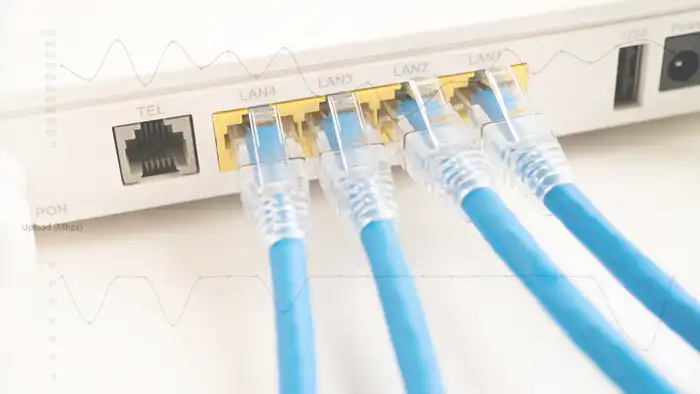
Monitor your internet speed with Speedtest Tracker. Run automatic speed tests, track history, and view charts. Set it up easily as a Docker container on your server.

Install Linkwarden on your Synology NAS and take control of your bookmarks. A self-hosted bookmark manager with easy Docker setup – manage links efficiently!
Set up your Ubuntu homeserver step-by-step: from base configuration to your first Docker containers. The complete guide for beginners. Start building today.

Install Paperless-ngx with Docker on your homeserver and transform your office into a paperless system. The complete step-by-step guide for your DMS setup.
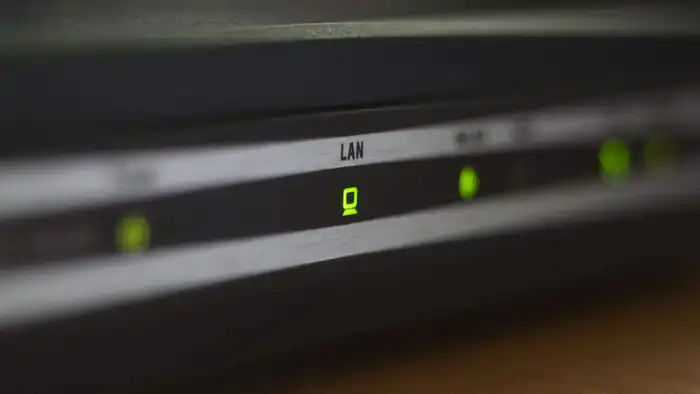
Set up your new FritzBox from AVM step by step as router and homeserver — including DynDNS, VPN and network storage. The complete configuration guide.

Set up DuckDNS on your Fritzbox and access your home network from anywhere via DynDNS. Step-by-step guide with all the settings you need to configure.

Set up your Synology DiskStation from scratch: VPN, DDNS, Firewall, Docker, and Nginx Proxy Manager. The complete NAS homeserver setup guide for beginners.

Install Crater on your Synology NAS with Docker. Create invoices, track expenses and payments with this free, open-source billing solution for your NAS.

Install Calibre on your Synology NAS with Docker. Manage and organize your e-books, convert formats, and use Calibre-Web as a web interface on your NAS.

Install the free personal finance software Firefly III on your Synology NAS with Docker. Manage income and expenses privately and clearly on your own server.
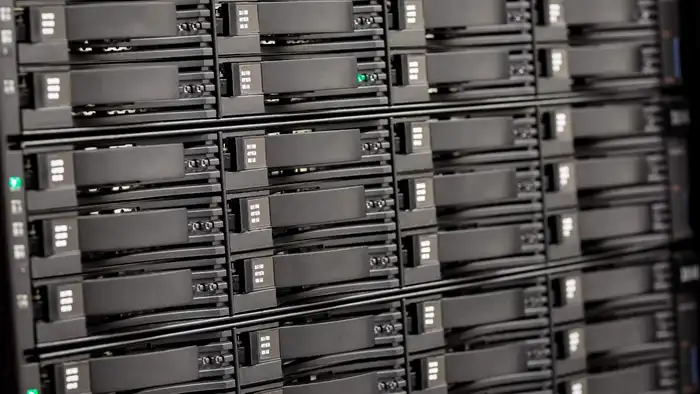
Set up your Asustor NAS as a homeserver step by step: VPN, firewall, reverse proxy, Gitea and Calibre with Docker. The complete NAS homeserver guide.

Install Mistborn and turn your server into a secure cloud platform with built-in firewall and WireGuard VPN. A complete step-by-step guide – get started now!