

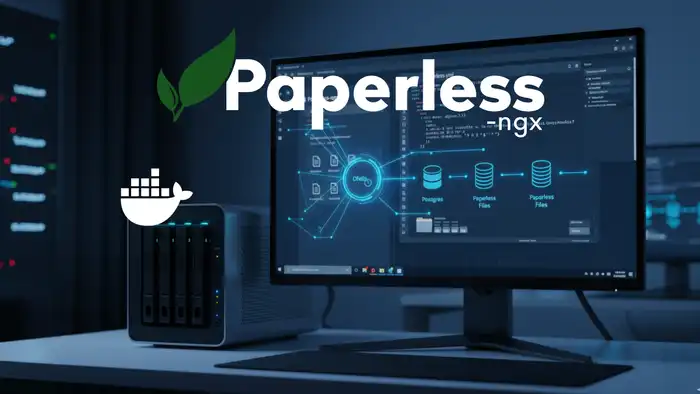
Set up automated backups for Paperless-ngx directly in your Docker stack using Ofelia. Schedule reliable cron jobs — no external server needed. Full guide.
Set up automated backups for Paperless-ngx directly in your Docker stack using Ofelia. Schedule reliable cron jobs — no external server needed. Full guide.
Learn how to install Paperless-NGX on your Synology NAS — a powerful open-source document management system — using Docker and Portainer. Step-by-step guide.

Install Bookstack, a powerful open-source knowledge base, on your own server with Docker and Docker Compose. Step-by-step guide for easy self-hosted setup.

Set up Immich as a private photo cloud on your homeserver. Step-by-step guide for NAS or Ubuntu — the privacy-friendly alternative to Google Photos.
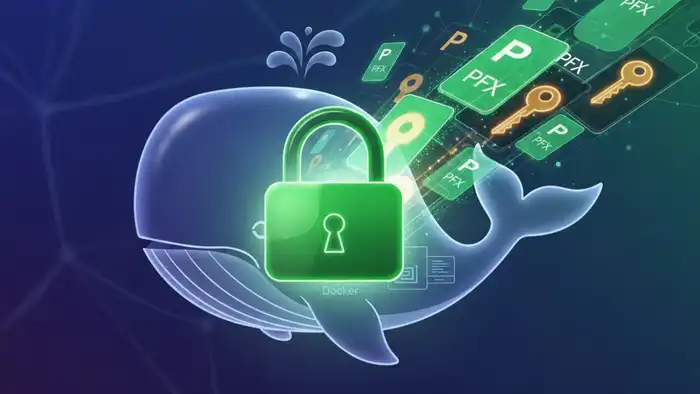
Convert PFX certificates to PEM and set up SSL/TLS for your Nginx container in Docker. A practical, step-by-step guide for self-hosters to secure their web apps.

Install Home Assistant with Docker on a Raspberry Pi and build your own private smart home. Step-by-step guide for a powerful, self-hosted automation setup.
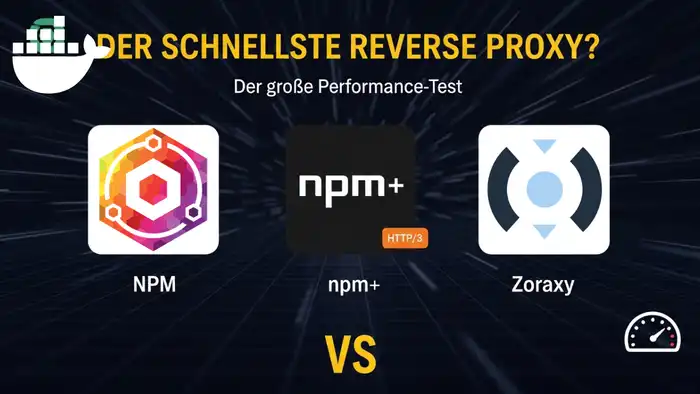
Performance benchmark: Nginx Proxy Manager vs. NPM+ (HTTP/3) vs. Zoraxy. Discover which reverse proxy is the fastest and easiest for your self-hosted setup.

Learn Git from scratch! A beginner-friendly tutorial covering installation, repositories, commits, and GitHub – your gateway to version control. Start now!
Install Dawarich to gain full control over your location data. Step-by-step guide to self-hosting with Docker, Docker Compose, and Caddy as proxy for privacy.

Master essential Linux terminal commands for your server. A beginner-friendly guide with practical examples for navigation, file management, and SSH admin!

Install Paperless-ngx with Docker on your VPS and securely access your documents from anywhere. Complete guide with Caddy reverse proxy and WireGuard VPN.

Install Uptime Kuma with Docker Compose on your VPS. Monitor websites, servers, and services with real-time alerts. A complete open-source monitoring setup guide.

Choose and secure your first VPS step-by-step: system updates, new user, SSH keys, and firewall setup. The ideal starting point for self-hosting with Docker.
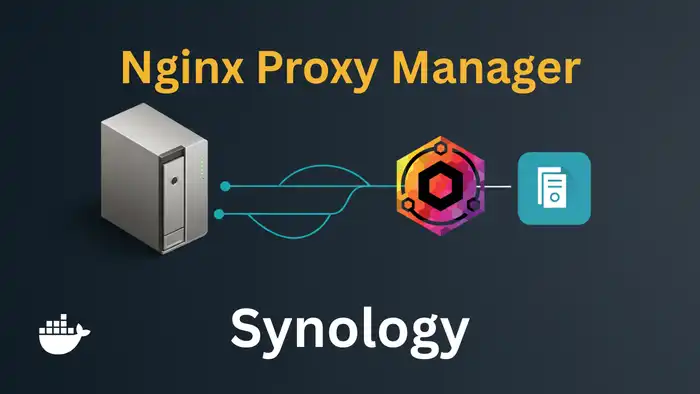
Install Nginx Proxy Manager on your Synology NAS with Docker. Assign a dedicated IP to avoid port conflicts, manage SSL, domains, and more – start now!
Host your own password manager with Vaultwarden. Install it as a Docker container, configure Caddy as reverse proxy, and secure access with Fail2Ban. Complete guide.

Protect your Docker data and databases reliably with Duplicati. Set up automated backups, including cloud storage. Open source, flexible, and easy to configure.
Set up your own private cloud with Nextcloud on a VPS using Docker and Caddy as a reverse proxy. Beginner-friendly step-by-step guide – start your cloud today!
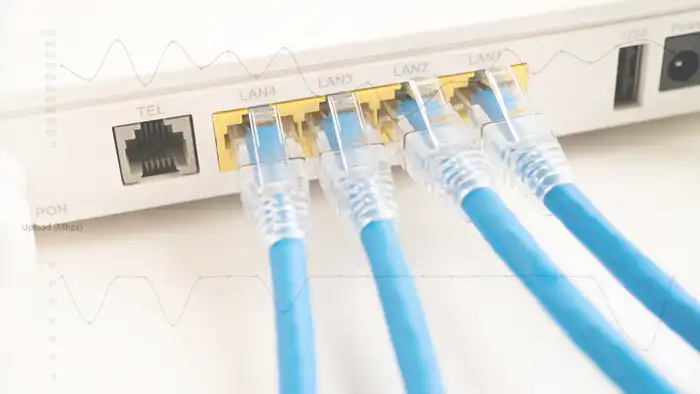
Monitor your internet speed with Speedtest Tracker. Run automatic speed tests, track history, and view charts. Set it up easily as a Docker container on your server.