

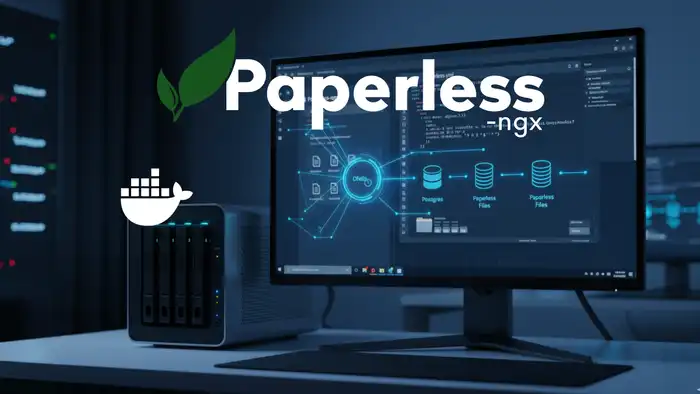
Set up automated backups for Paperless-ngx directly in your Docker stack using Ofelia. Schedule reliable cron jobs — no external server needed. Full guide.
Set up automated backups for Paperless-ngx directly in your Docker stack using Ofelia. Schedule reliable cron jobs — no external server needed. Full guide.
Learn how to install Paperless-NGX on your Synology NAS — a powerful open-source document management system — using Docker and Portainer. Step-by-step guide.

Set up Immich as a private photo cloud on your homeserver. Step-by-step guide for NAS or Ubuntu — the privacy-friendly alternative to Google Photos.
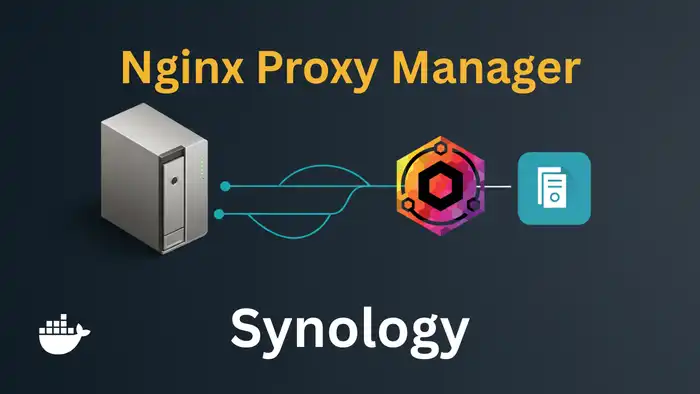
Install Nginx Proxy Manager on your Synology NAS with Docker. Assign a dedicated IP to avoid port conflicts, manage SSL, domains, and more – start now!
Host your own password manager with Vaultwarden. Install it as a Docker container, configure Caddy as reverse proxy, and secure access with Fail2Ban. Complete guide.
Install Vaultwarden on your Synology NAS with Docker. Self-host your passwords securely and privately. Complete step-by-step setup guide for your NAS.
Install Linkwarden on your Synology NAS and take control of your bookmarks. A self-hosted bookmark manager with easy Docker setup – manage links efficiently!

Install Paperless-ngx with Docker on your homeserver and transform your office into a paperless system. The complete step-by-step guide for your DMS setup.
Set up your Synology DiskStation from scratch: VPN, DDNS, Firewall, Docker, and Nginx Proxy Manager. The complete NAS homeserver setup guide for beginners.

Install Crater on your Synology NAS with Docker. Create invoices, track expenses and payments with this free, open-source billing solution for your NAS.

Install Calibre on your Synology NAS with Docker. Manage and organize your e-books, convert formats, and use Calibre-Web as a web interface on your NAS.

Install the free personal finance software Firefly III on your Synology NAS with Docker. Manage income and expenses privately and clearly on your own server.